

Stride Music
Offline music for your Wear OS watch, built for running. Put your songs on your wrist, pair your earbuds, and leave your phone at home.
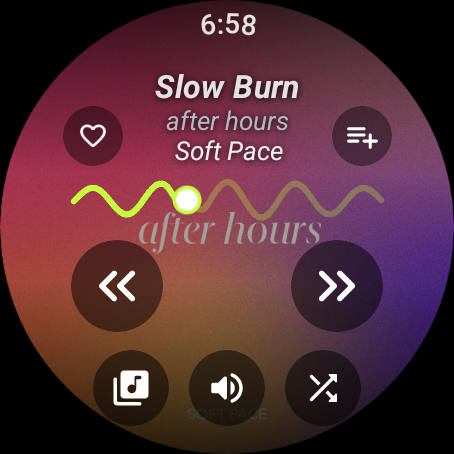
Made to use mid-run
Tap anywhere to pause
The whole screen is the pause button. No hunting for a tiny icon at pace.
Turn the crown to skip
One song per turn of the crown or Galaxy bezel. Or set the crown to control volume.
Scan, drop, done
Scan the QR code on your watch with your phone, then drop in songs or whole albums over Wi-Fi. No app or cable needed.
Full-screen album art
Your covers fill the round screen, with the Stride wave showing how far into the song you are.
Playlists and favourites
Heart songs and build playlists right on the watch. Search by voice or keyboard.
Picks up where you left off
Your queue, song and position are remembered, even after the watch restarts.
A look around
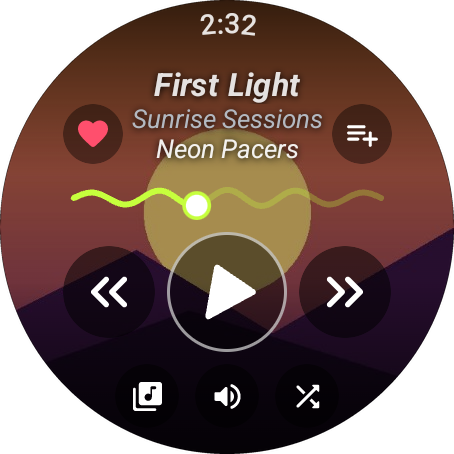
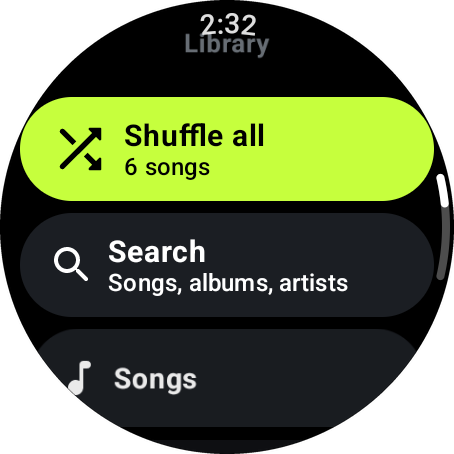
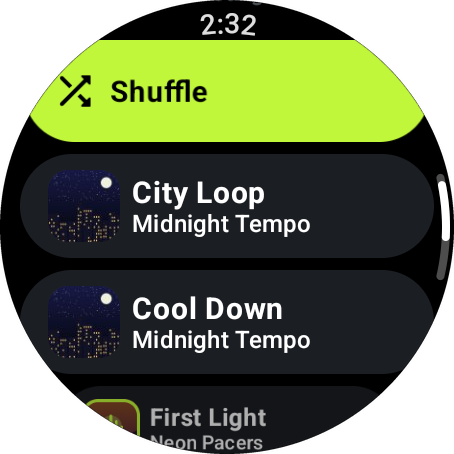
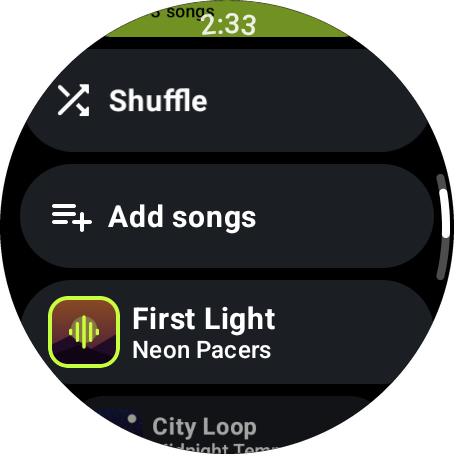
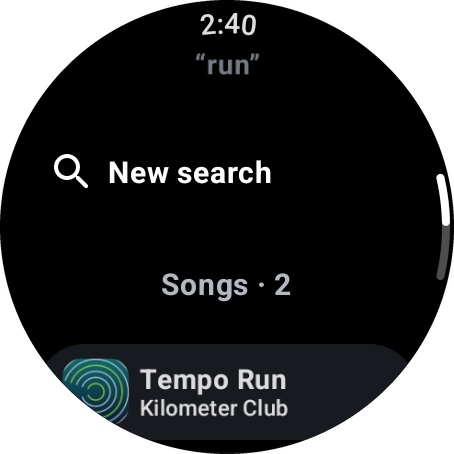
Screenshots use demo songs with generated cover art.
Add music from any browser
Open Add music
On the watch, open Library → Add music. It shows an address and a QR code.
Open the address
On a phone or computer on the same Wi-Fi, open the address in any browser. No app to install.
Drop your songs
Drag in files or whole album folders. MP3, M4A, AAC, FLAC, OGG, OPUS and WAV all work.
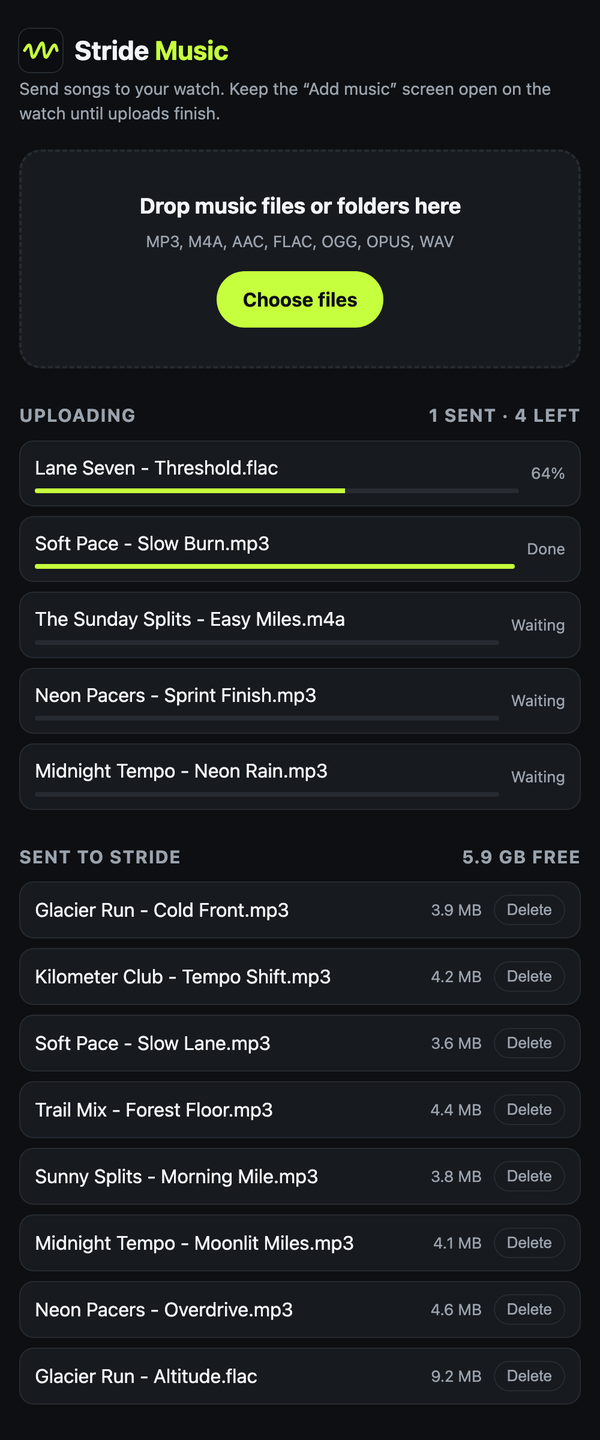
Songs go straight from your browser to your watch over your own Wi-Fi. They never pass through the internet or any server of ours.
Works on
Watches running Wear OS 3 or newer, including:
- TicWatch Pro 5 and Pro 5 Enduro
- TicWatch Pro 3
- Google Pixel Watch (all models)
- Samsung Galaxy Watch4 and newer
- OnePlus Watch 2
- Fossil Gen 6
Enjoying Stride?
Stride is free, with no ads and nothing to sell. If it keeps you company on your runs, you can buy me a coffee. It helps pay for test watches and keeps new features coming.
Your privacy
Stride Music collects nothing. There are no accounts, ads or analytics, and the app never talks to the internet. Your songs, playlists and settings stay on your watch. Read the privacy policy.